Definition
of Computer: The term computer is derived from the word compute. A computer is
an electronic device that:
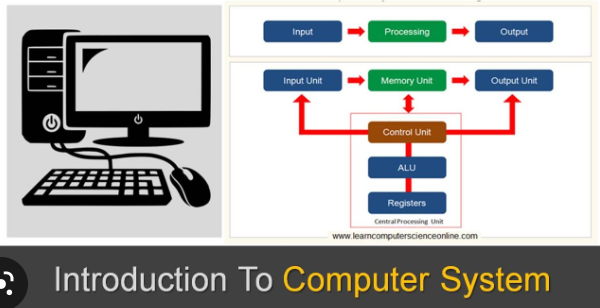
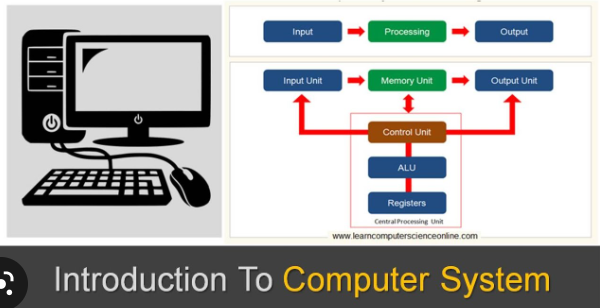
Ø Accept Input data (facts)
Ø Process data
Ø Output data or display the result (information)
Component of a computer system
There are two basic components of a computer system
1. Hardware component
2. Software component
What is Hardware component? Hardware components are:
1. Input devices
2. Output devices
3. Central Processing unit
Input devices include: Keyboard, mouse, touch screen, scanner, etc.
Output devices include: Monitor, printer, projector, speakers etc.
Central Processing Unit (CPU) include Arithmetic unit (Brain of the computer), Logic unit
and

 Control unit
Basic operation of the computer
The following are the steps in starting the computer
1. Booting the computer: This refers to the process of turning on the computer. There are two ways to boot a computer: a warm boot and a cold boot. A warm boot occurs when the computer is already on, and you restart it without turning off the power. Starting a computer that has been turned of is called a cold boot.
2. Shutting down the computer: Is the process of turning off the computer system. The correct procedure is to first close all opened applications before shutting down the computer.
3. Working with the mouse: A mouse is a device that controls a pointer that is displayed on the monitor. The mouse pointer usually appears in the shape of an arrow. It can have two or more bottoms which are used to select command options and to control the mouse pointer on the monitor.
The
following are some basic operations that can be performed with the mouse: Clicking:
A click is the act of pressing either of the two mouse buttons as a way of
giving a command to the computer. When left mouse button is clicked once an
item is selected, when it is double click it triggers an action. When the right
mouse bottom is click on an object it displays a shortcut menu of options.
Watch Course Video ->>